
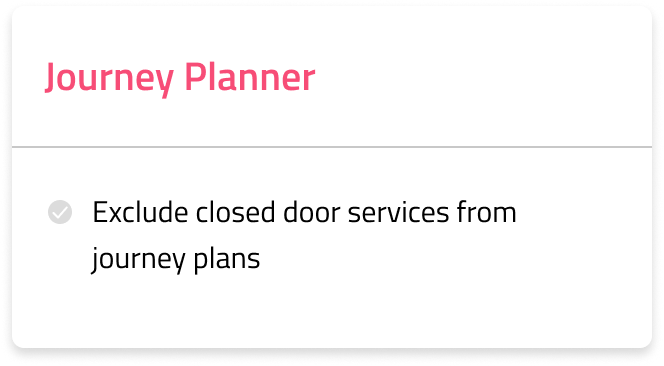
Many operators run contracted, school, or other “closed door” services alongside their public routes. While these closed door services need visibility in some parts of the app, displaying them in journey plans can lead to riders planning journeys on buses they can’t board. To avoid this, we have introduced a new setting in Passenger Cloud that lets you easily exclude specific services from journey plans while keeping live tracking and other Cities features active.
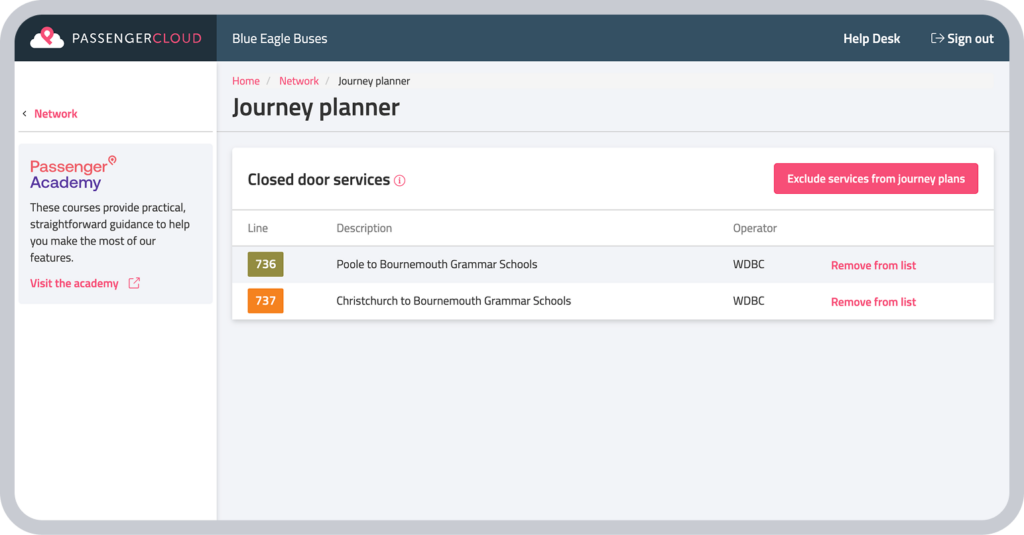
How to configure excluded services
To hide a closed door service from journey planning:
- Log in to Passenger Cloud and navigate to the Network tab.
- Select Journey Planner from the menu.
- Click the “Exclude services from journey plans” button.
- Choose the services you wish to exclude.
Once added, these services will be hidden from journey planning itineraries.
This change will be released on Wednesday, 10th June 2026. For any questions or more information, please get in touch.